


01
Review the Minimum Requirements
Before submitting an application, you must review the minimum requirements for holding competitions within the Club League.
Download RequirementsInstructions
Below are the main steps for organizers: from selecting a date and submitting an application to approval, payment of the designated contribution, and publication of the competition on the website.
Before submitting an application, you must review the minimum requirements for holding competitions within the Club League.
Download RequirementsAvailable dates can be checked on the ASK RG website in the “Competitions” — “Calendar” section. Find the required month and check which dates are already occupied.
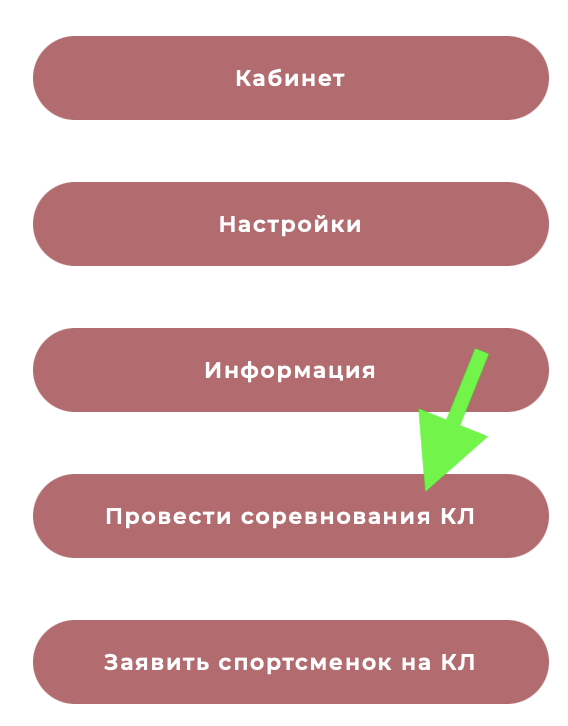
In the left-hand menu of your personal account, or in the bottom menu for mobile users, select “Host a Club League Competition”. The application form will open after you select this option.
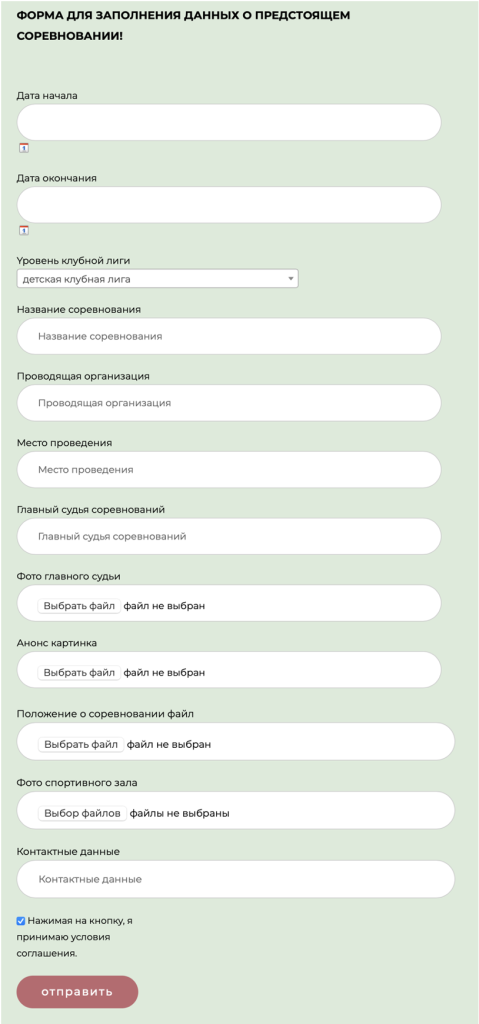
Complete all fields in the application form and click the “Submit” button.
The application status is displayed in the “Host a Club League Competition” section of your personal account. If the application requires revision, a comment will appear indicating what needs to be corrected.
In this case, click “Edit My Application”, make the necessary changes, and submit the application again.

Once the application has been approved, the corresponding status will appear in your personal account.

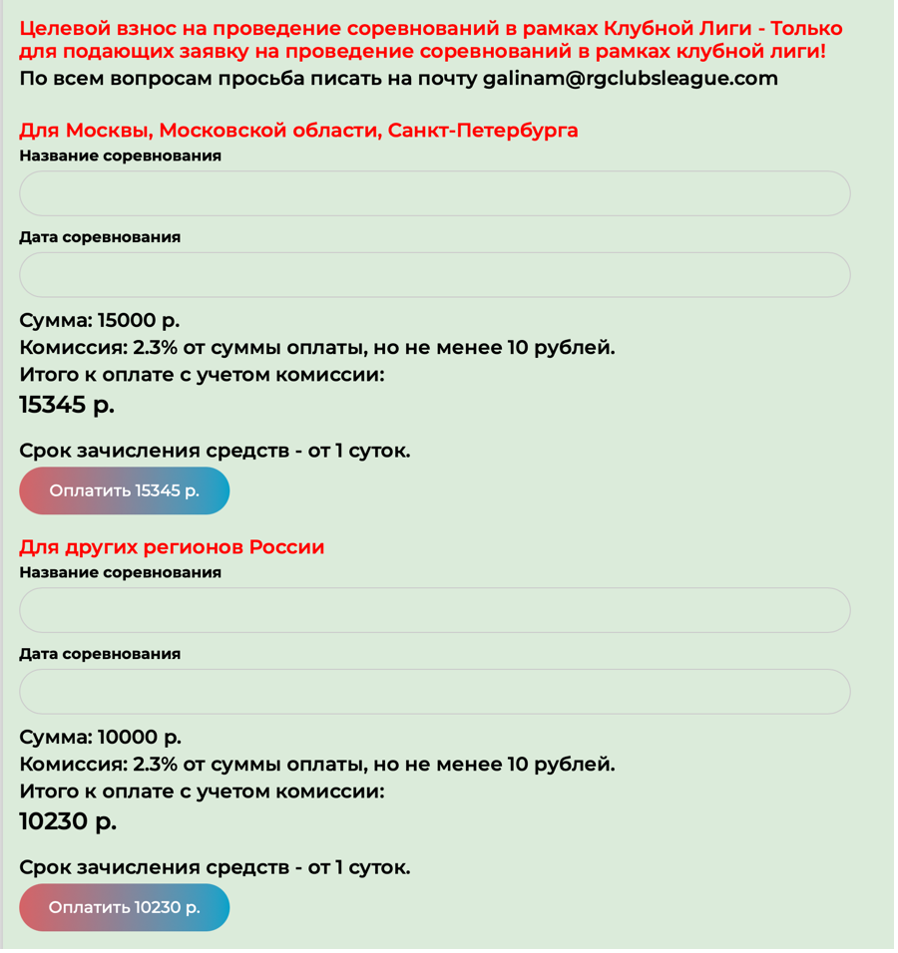
In the personal account of the coach, club manager, or representative, go to the “Host a Club League Competition” page and pay the contribution for holding the competition.
When making the payment, be sure to specify the name and dates of the competition for which the payment is being made.
Once the application has been approved and the contribution has been paid, information about the competition will appear on the website in the “Announcements” section.